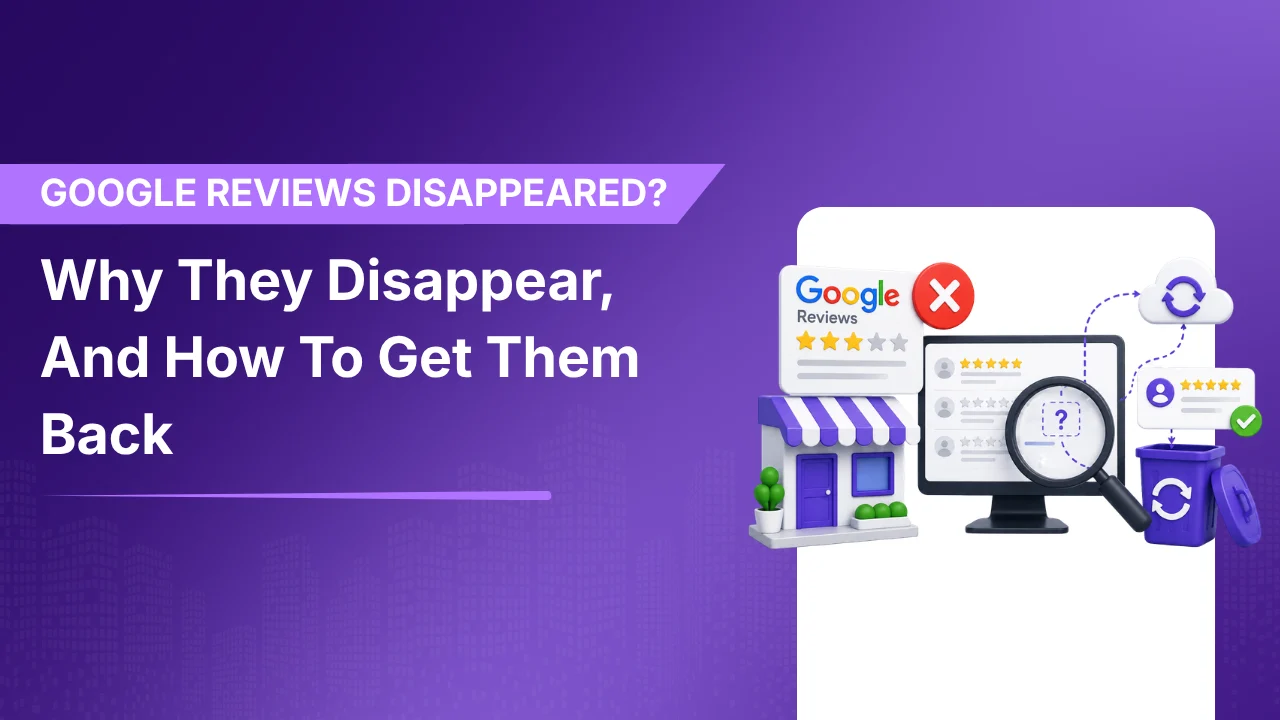
Google Reviews Disappeared? Here’s How to Find and Recover Them
If your Google reviews disappeared, you may be wondering whether they were deleted or simply removed from view. This guide explains how to find deleted Google reviews, why reviews disappear, and what you can do to recover a missing review.
Published on:
Updated on:
Published on:
Last Updated on:
Blog
Summary
Unable to load the audio. Please check the audio file URL.
Ranking on Google shouldn’t be the only goal. The ultimate objective should be to turn Google Maps visibility into calls, website visits, booking requests, and ultimately appointments. Sometimes it also happens that even though a business appears in the local pack, it can still have very few customers. More so if the profile is not credible and does not make the next step easy for customers. Google Business Profile performance also includes calls, website clicks, messages, directions, and bookings.
Why Did My Google Review Disappear?
We cannot give a specific explanation when a google review disappears. A review can be removed because of Google’s policies, temporarily unavailable while it is being processed, deleted by the customer, or affected by a change to the Business Profile. Google review management can help you track and manage these changes.
Google Removed the Review for a Policy Violation
Google doesn’t allow every type of review content. Sometimes reviews can be removed because they contain prohibited or misleading information such as fake engagement, incentivized reviews, promotional content, conflicts of interest, personal attacks, or repetitive content.
For example, businesses should never:
- Buy reviews
- Offer discounts or incentives in exchange for reviews
- Ask customers to change or remove negative reviews in exchange for something
- Selectively ask only happy customers for positive reviews
- Write reviews on behalf of customers
- Encourage employees or other people with a conflict of interest to review the business
If Google determines that a review violates its policies, the review may be removed.
If Google removed a review because it violated its policies, you generally cannot have that specific review restored.
The Customer Deleted or Edited the Review
Sometimes everything is completely fine with your Google Business Profile. But it might be the case that the customer has changed his mind. Customers have the option to edit or delete their own reviews.
They also have the option to change the rating or wording after publishing a review. If you get confirmation from the customer that they have deleted a review, then you cannot restore the original version from your Business Profile.
You can invite the customer to leave a new review based on their genuine experience. Don’t ask them to copy the old review word-for-word or tell them what rating to give.
Google Is Still Processing the Review
If a video is immediately not visible, it doesn’t mean it’s a deleted review.
Sometimes Google needs time to process newly submitted content. A customer might have posted a review but you might not be able to see it.
Don’t assume Google has removed the content. Give sometime for the review to appear again and then you can check again
Your Google Business Profile Was Recently Changed
Sometimes changes to a business profile can determine how reviews appear. Apart from profile changes, mergers, moves, reinstatements, or other significant changes, businesses can face review visibility issues too.
If your business recently changed locations, merged duplicate profiles, consolidated profiles, had a profile reinstated, or made significant changes to the profile, you need to check if the reviews are related to that change or not.
Check whether the disappearance happened around the same time as a Business Profile change.
Google Restricted Reviews on Your Business Profile
If multiple reviews disappear at the same time, then the problem is much bigger than you think.
Google can apply restrictions when it detects activity associated with fake engagement or review manipulation. Depending on the situation, reviews may become unavailable, new reviews may be restricted, or a warning may appear on the Business Profile.
Investigate the Business Profile itself—not just the individual reviews. Look for restrictions or other profile-level issues.
How to Check Which Google Review Was Deleted
Before deciding to recover a review, you should understand and determine exactly what happened. A reduction in your overall count tells you something has changed, but it doesn’t tell you which review disappeared or why. You can use this four-step process to know about the cause and the reason as to why the Google reviews disappeared.
Check Your Google Business Profile Review Count
The 1st step is to open your Google Business profile and thoroughly review your current customer feedback. Identify the changes that will help you to know whether one review or several reviews have disappeared.
Ask the Customer to Check Their Google Account
If you somehow get to know which customer wrote the missing review, ask them to check their own Google account. Their answers can help you to understand the problem.
Check for Google Policy or Profile Notifications
The next step is to check the email account associated with your Google Business profile. You need to search for messages that will explain why a review on your profile has changed.
Compare Your Current Reviews With Previous Records
This is why maintaining a record of your review activity is important. If you check google occasionally, you might see that your review count has changed without knowing exactly what disappeared.
Manage your reviews from one place
With Revplies, businesses can manage Google reviews, replies, reputation insights, and multiple business locations from one dashboard.
The goal isn’t just to notice a missing review.
The goal is to identify what happened to it. Once you know whether the customer deleted it, Google removed it, the review is still being processed, or there is a broader profile issue, you can decide what action to take next.
Can You Recover a Deleted Google Review?
Sometimes you can but not always. The answer depends on what was the reason and why the review suddenly disappeared.
Can Google restore a review it removed?
If Google removed the review because it violated Google’s policies, there is generally no way to restore that specific review. Trying to recreate the same review isn’t the solution.
Focus on building a review process that generates genuine feedback from real customers and follows Google’s policies.
- Genuine customer feedback
- No paid or incentivized reviews
- No review manipulation
- Follow Google’s review policies
How to Contact Google About a Missing Review
If you think Google removed a legitimate review incorrectly, contacting google will be the correct step. The main goal is to give Google enough information to track the missing google review and understand why you believe it should be investigated.
What should you tell Google?
Use the checklist to see what information should be included when reporting a missing review.
Hello Google Business Profile Support,
I am contacting you regarding a customer review that was previously visible on our Business Profile but is no longer appearing.
The review was posted by a genuine customer and, to the best of our knowledge, did not violate Google’s review policies.
Could you please investigate whether the review was removed incorrectly and let us know if any additional information is required?
Thank you for your assistance.
You have a genuine reason to investigate
Contact Google when a genuine review was previously visible, the customer confirms they didn’t delete it, multiple reviews disappeared, or you have evidence that the review came from a real customer.
You simply don’t like the review
A negative review isn’t automatically a policy violation. Avoid claiming that Google removed a review because it was negative. Let Google investigate whether the review actually violated its policies.
How to Prevent Important Google Reviews From Getting Lost
It is impossible to control every review that appears on google. You can control how you collect, monitor, and manage your customer feedback. The main aim isn’t to ensure that every review stays online but to create a proper Google Business Profile reviews process process that can handle changes when they happen.
Monitor Your Google Reviews Regularly
No need to wait till the end of the month to check your reviews. Regular checking helps you notice new reviews, missing reviews, rating changes, unanswered reviews, negative feedback, and sudden changes in review activity.
- New reviews
- Missing reviews
- Rating changes
- Unanswered reviews
- Negative feedback
- Sudden activity changes
Manage Your Google Reviews Smarter
Knowing that a review disappeared is useful but knowing what is happening with your complete review profile can be more valuable. Revplies will help to bring your Google Google review management activities together in one place.
From Checking Reviews to Managing Your Reputation
Revplies can save a lot of your time. You won’t have to manually check every individual google business profiles, constantly switch between locations and write every response from the start. It centralises Google review management , responds consistently, monitors customer sentiment, and centralises review management, responds consistently, monitors customer sentiment, and understands what your reviews are telling you about your business. understand what your reviews are telling you about your business.
Track Your Google Reviews From One Dashboard
Instead of repeatedly opening different Google Business Profiles, Revplies gives you a centralized place to keep track of your review activity.
You can spend less time switching between Business Profiles and more time actually managing customer feedback. This becomes especially useful when your business manages multiple locations.
Respond to Reviews With AI-Powered Replies
Responding to every customer review can become time-consuming. Revplies helps make the process faster by generating AI-powered responses based on your business settings, tone, and prompts.
Instead of starting every response from scratch, your team can use AI-generated replies as a starting point, review the response, make edits when needed, and maintain control over what gets published.
Monitor Ratings, Sentiment & Review Trends
A review is more than a star rating. The words customers use can reveal what they consistently like, dislike, or expect from your business.
By bringing review activity and customer feedback into a more organized view, Revplies can help you identify patterns and understand what customers are saying about your business.
Manage Reviews Across Multiple Locations
Managing one Google Business Profile may be straightforward. Managing dozens of locations requires a much more organized workflow.
Revplies helps businesses organize review activity across multiple Google Business Profiles from one centralized dashboard, making it easier for teams to monitor new reviews and maintain consistent review management.
Build a More Consistent Review Management Process
A strong review strategy isn’t simply about getting as many five-star reviews as possible. It is about building a repeatable process around customer feedback.
Revplies brings important review-management activities together, helping businesses move from occasional manual checks to a more structured reputation management process.
Turn Reviews Into an Ongoing Process
Revplies helps bring the key parts of review management together so your team can follow a consistent workflow instead of treating reviews as an occasional task.
Collect
Generate genuine customer feedback.
Monitor
Keep track of review activity.
Respond
Reply consistently and professionally.
Understand
Identify sentiment and recurring feedback.
Improve
Use feedback to improve the customer experience.
Stop Managing Reviews Manually
Arrange your Google review management into one organized workflow with Revplies. Track feedback, respond efficiently, understand customer sentiment, and manage your reputation more consistently.
Explore Revplies
Recent Blogs
-
Why You’re Losing to Competitors
Every Month Your GBP Sits Outdated, Here’s What You’re Losing…
-
Google Search Console Multimodal Search
Google Search Console’s New Multimodal Search Data: What It Means…