Revplies for Automotive
Auto Repair & Automotive Businesses
Pain Point
Most customers are not automotive experts, so choosing a repair shop often comes down to trust. Before handing over a vehicle, people read reviews, compare nearby shops, check services, and look for signs that the business is reliable. A Google Business Profile that has not been updated in months can create doubt even when the actual work is excellent. When customers search Google or use an AI tool to find a trustworthy shop, they are more likely to choose a business whose profile looks current, active, and well managed.
Challenge
For a repair chain, dealership group, or automotive business with several locations, the challenge becomes much harder to manage manually. One shop may be receiving repeated feedback about pricing, repair quality, turnaround time, wait times, or how customers were treated, while another location performs well. Without a shared view, leadership may not notice the pattern. Teams also need to know whether each profile is properly optimized for Google and AI discovery and how local visibility compares with nearby competitors.
Solution
Revplies gives automotive businesses one place to manage reviews, posts, profile information, reporting, and multiple locations. Teams can collect feedback while customers are still at the shop, respond quickly, keep services and hours current, and compare locations from one dashboard. If a location does not have a website, Revplies can build one at no extra cost on any plan. This helps the business give customers more information and maintain a consistent local presence as it grows.
How They Can Use Revplies

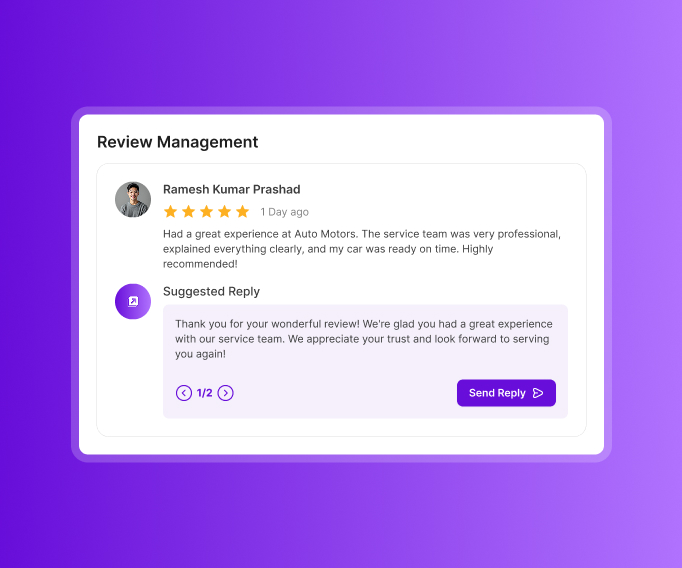
Review Management
Customers are most likely to share feedback while they are still at the shop. Make that moment easy.
 Place a QR code at the service counter or waiting area so customers can leave a spoken review before they leave.
- Use AI-powered auto-replies or create and edit replies with AI assistance.
- Use sentiment analysis to identify patterns around pricing, repair quality, wait times, turnaround, and how honestly or fairly customers felt they were treated.
- Use recurring feedback to understand what customers value and where the shop can improve.
Profile Optimization
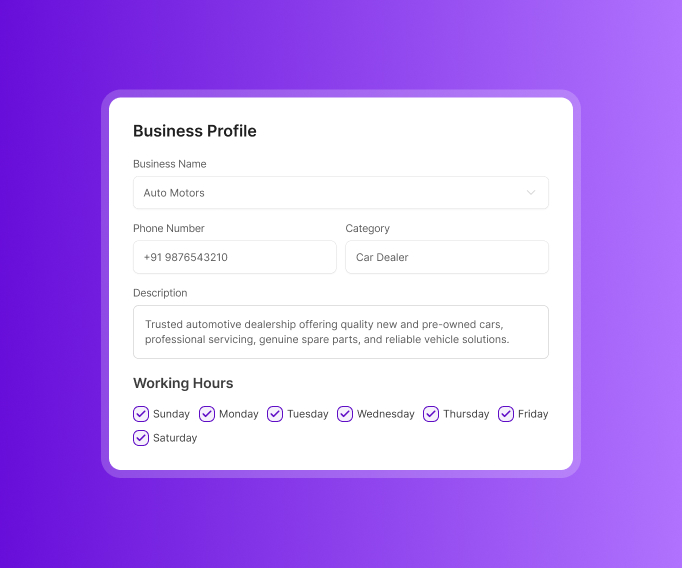
Customers want to know what you do, when you are open, and what kind of work you handle before bringing in their vehicle.
- Keep the name, address, phone number, business description, hours, and opening date accurate.
- Add useful attributes such as parking, a waiting area, and wheelchair access.
- List services and the types of repairs or maintenance you specialize in.
- Keep primary and secondary categories accurate and update them when the business changes.
- Make sure the profile reflects the shop customers will actually find when they arrive.
Post Management
A shop that is busy every day can still look abandoned online if its profile never changes.
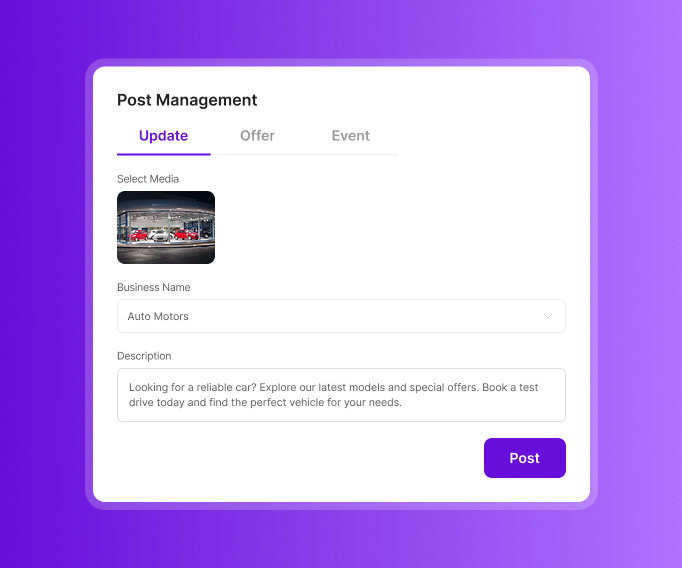
- Use Updates for services, repair and maintenance specialties, facilities, waiting areas, customer testimonials, and answers to common questions.
- Use Offers for oil-change discounts, seasonal tire deals, and other promotions.
- Use Events for open houses and weekend inventory sales.
- Share useful updates that give customers a reason to check the profile before booking a service.
Reports
Reporting helps automotive teams understand performance across locations and customer sentiment.
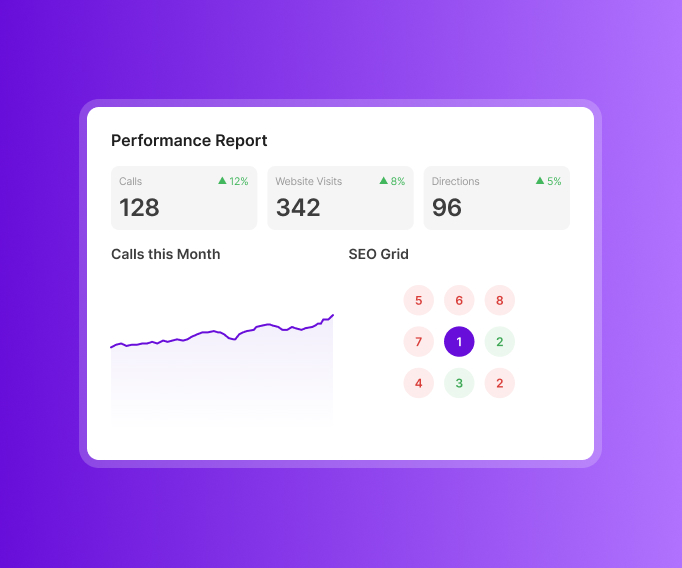
- Track calls, website visits, and direction requests across the date range you choose.
- See review trends by star rating and how sentiment changes over time.
- Break sentiment down by pricing honesty, repair quality, turnaround time, and other attributes.
- Use group reporting to bring together visits, calls, and reviews when a staff member is mentioned.
- Compare Google Maps visibility with nearby automotive competitors and see how rankings change around each location.
Local Website
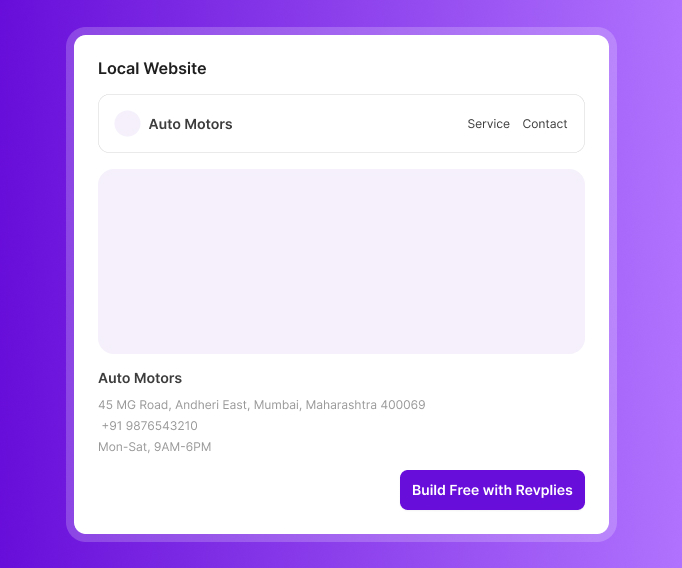
A location without a website can get one through Revplies at no extra cost on any plan.
- Include opening hours, descriptions, and service details.
- Give customers a clear place to understand the shop's services before making contact.
- Local schema is included to add structured information that can support search visibility.
Ready to Grow Your Automotive Business on Google?
Start 14 Days FREE Trial →No Card Required • Cancel Anytime
How Google Business Profile Management Works for Different Automotive Businesses

 02.Google Business Profile management for Car Dealerships
03.Google Business Profile management for Auto Body Shops
04.Google Business Profile management for Auto Detailing
05.Google Business Profile management for Tire Shops
06.Google Business Profile management for Car Washes
07.Google Business Profile management for Auto Parts Stores
08.Google Business Profile management for Towing Companies
02.Google Business Profile management for Car Dealerships
03.Google Business Profile management for Auto Body Shops
04.Google Business Profile management for Auto Detailing
05.Google Business Profile management for Tire Shops
06.Google Business Profile management for Car Washes
07.Google Business Profile management for Auto Parts Stores
08.Google Business Profile management for Towing Companies
Frequently asked Questions (FAQ's)
Why does Google keep merging our sales, service, and parts department listings into one, or flagging them as duplicates?


This happens because Google's algorithm sees the same address, same phone area, and similar business name and treats it as one entity even though you are running three different departments. To avoid this you need to give each department a distinct name (not just "XYZ Motors" three times), separate phone number for each one and if possible a slightly different entrance or suite number, this way Google's spam detection doesn't auto-merge them.
Can we legally create separate GBP listings for our service department, parts department, and body shop, or will Google suspend all of them?
Yes you can legally create separate listings, Google actually allows this for dealerships as long as each department has its own distinct signage, unique phone line and provides a direct service to walk-in customers (not just an internal department with no public facing function). What gets you suspended is when all three listings share identical info like same generic name and same main phone number, that's when it looks like duplicate spam to Google and they can suspend the whole cluster not just one.
How do we stop fake tow-truck or locksmith "ghost" listings from outranking our real shop in the map pack?
Ghost listings are a huge problem in the tow truck and locksmith industry specifically, these are fake businesses set up by lead-gen scammers using virtual numbers and no real address. What you can do is report each one individually through the Google Business Profile Redressal form with screenshots proving they don't have real presence, you can also flag them directly on Maps by clicking Suggest an Edit and marking it as fake business. It takes time and Google won't remove them overnight so you may have to report the same listings more than once.
Our profile got suspended after a Google review-bombing attack from a competitor. How do we get it reinstated?
First thing, do not try to counter it by buying fake positive reviews, that will make your case worse. Collect all evidence, screenshots of the suspicious reviews, timestamps, and any pattern you notice like all reviews coming in the same day or from accounts with no other review history, then submit an appeal through the Business Profile Help Center explaining it was a coordinated attack. Google usually takes a week or two to respond so don't panic if it's not immediate.
How do I get customers who just pay and drive off to actually leave a review before they forget?
Best way is to catch them while they are still at the counter, send the review link right there through a text message or QR code on the receipt instead of waiting to email them later that day, by the time they get home they already forgot about it. Some shops also train the front desk staff to just ask directly "if you had a good experience would you mind leaving us a quick review" while handing back the keys, sounds simple but it actually works better than any automated follow up email.
Why is Google auto-categorizing us as a generic "car repair" business instead of our specialty (transmission, tire, detailing)?
Google's system often default to the broadest matching category specially if your business description or website doesn't clearly emphasize your specialty enough. Go into your GBP and manually set your primary category to the specific one like "Transmission Shop" or "Tire Shop" instead of leaving it as general auto repair, and add secondary categories too if you offer more than one specialty. Also make sure the word "transmission" or "tire" actually appears in your business description, Google's algorithm partly reads that to decide relevance.
We closed our oldest location. Why does Google still show old reviews mentioning services we no longer offer?
Google treats reviews as part of the address and place history, not just the active business entity, even if you mark your listing as permanently closed the profile remains on Google Maps so users can see that it is closed and historical reviews stay. What you can do is reply to those reviews in a polite way and clarify that the location is closed and does not offer those services.