Revplies for EV Charging
EV Charging Businesses
Pain Point
An EV driver needs more than a charger that appears nearby. They need confidence that the charger will work when they arrive. That makes reviews and current Google information especially important. If a station has outdated hours, unanswered complaints about a broken connector, or no recent updates, a driver may choose another charging network rather than take the risk. Strong Google Business Profile management helps charging businesses show drivers that their stations are active, reliable, and properly maintained.
Challenge
For operators with stations across a city, highway corridor, or larger network, one weak location can easily be missed. A station may have repeated complaints about uptime, charging speed, payment, connector types, or safety while the wider network still appears healthy. Operators also need to understand how each station performs in local search, whether profiles are optimized for Google and AI discovery, and where competitors are gaining visibility. Without a central view, problems can remain invisible until drivers start avoiding a station.
Solution
Revplies gives EV charging businesses one dashboard for managing reviews, profile information, posts, reporting, and multiple stations. Teams can capture feedback while drivers are already at the charger, respond quickly, share maintenance or launch updates, and see station performance across the network. Stations without a website can also get one through Revplies at no extra cost on any plan. This gives drivers another place to find accurate information and supports the station's overall local presence.
How They Can Use Revplies

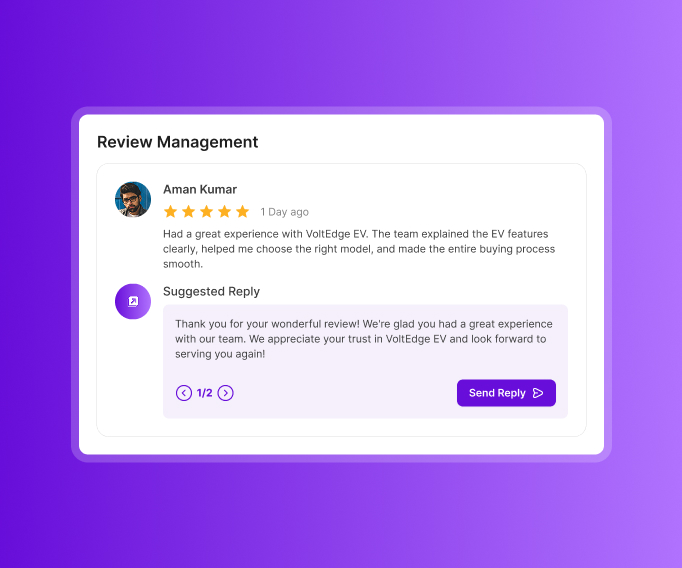
Review Management
Charging stops create a natural opportunity to collect feedback because drivers often have a few minutes while their vehicle charges.
 Place a QR code on the charging station or charger unit so drivers can leave a spoken review without typing.
- Use AI-powered replies or create and edit responses with AI assistance.
- Use sentiment analysis to spot feedback about chargers being down or slow, payment problems, connector types, station safety, and ease of use.
- Use recurring feedback to understand which station issues deserve operational attention.
Profile Optimization
Drivers want accurate information before deciding where to charge.
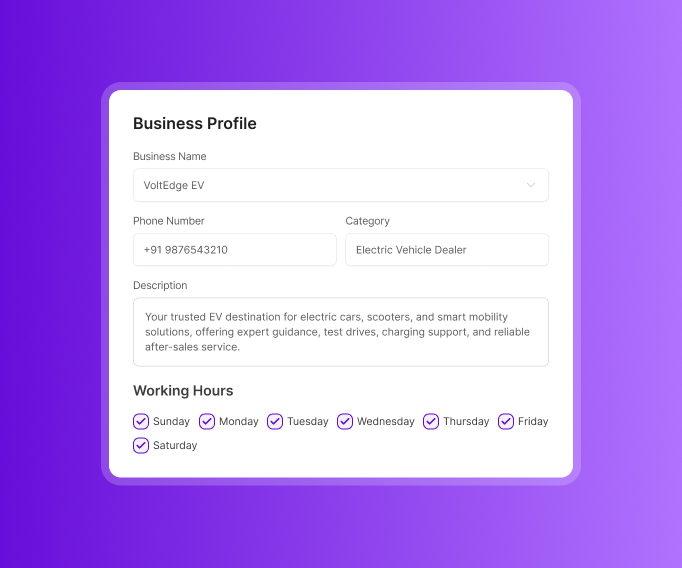
- Keep the station name, address, phone number, description, hours, and opening date accurate.
- Add useful information such as fast charging, accessible parking, connector types, and charging speeds.
- List charging services and primary and secondary categories.
- Update the profile whenever station details change so local SEO reflects what drivers can expect today.
Post Management
Even a working station can look inactive if nothing has changed on its profile for a long time. Keep drivers informed.
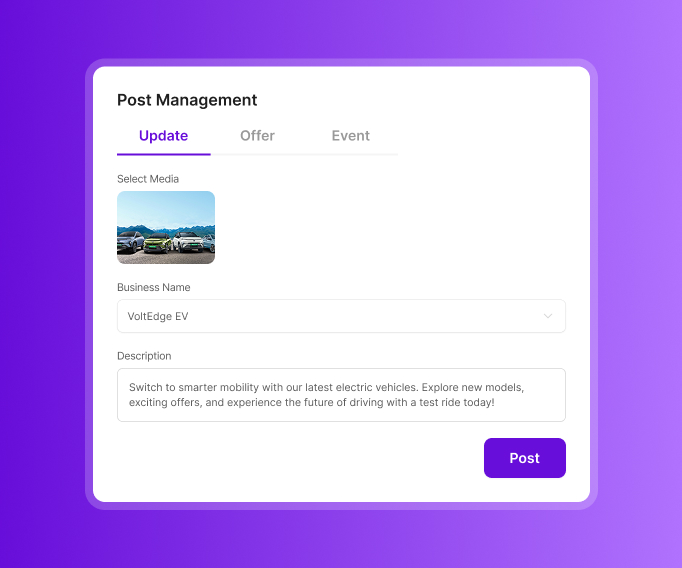
- Use Updates for new stations, maintenance schedules, temporary closures, facilities, testimonials, and answers to common questions.
- Use Offers for limited-time charging rates.
- Use Events for new charging hub launches and events for EV owners.
- Use updates to communicate changes clearly, especially when a maintenance window or temporary closure affects drivers.
Reports
Station-level reporting helps operators see where action is needed.
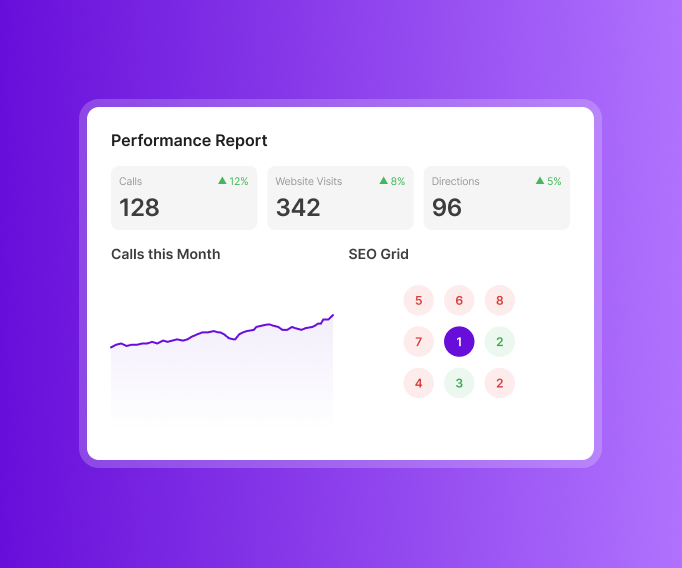
- Track calls, website visits, and direction requests.
- Review star-rating trends and sentiment around charger reliability, ease of use, safety, and other attributes.
- Use group reporting to connect calls, visits, and reviews when staff members are mentioned.
- Compare Google Maps visibility with nearby charging competitors and see how rankings change around each station.
Local Website
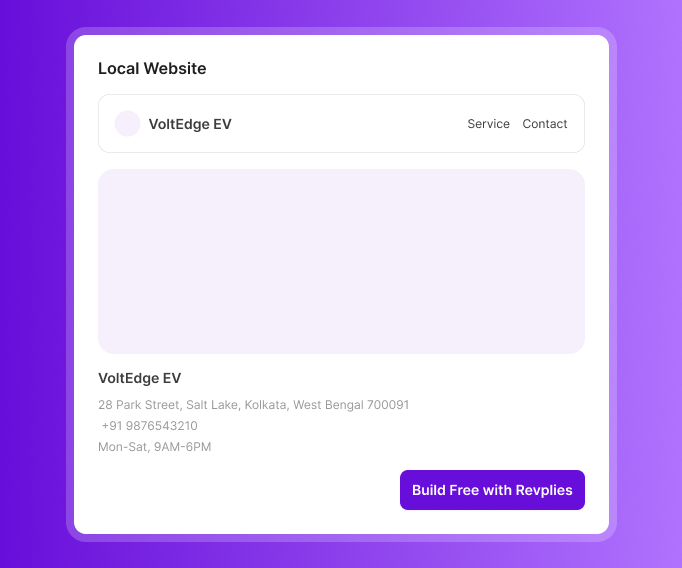
A station without a website can get one through Revplies at no extra cost on any plan.
- Include operating hours, station descriptions, and charging details.
- Give drivers another place to understand the location before they arrive.
- Local schema is included to add structured information that can support search visibility.
Ready to Grow Your EV Charging Business on Google?
Start 14 Days FREE Trial →No Card Required • Cancel Anytime
How Google Business Profile Management Works for Different EV Charging Businesses


Frequently asked Questions (FAQ's)
How do I correct a DC fast charger listed with the wrong connector type or status on Google Maps?


Go into your Google Business Profile dashboard and look for the EV charging attributes section under Edit Profile. You can update connector types and plug count there directly if you're the verified owner. If the listing isn't yours to edit or you're not showing as verified, submit a Suggest an Edit through Maps instead and Google will review it before pushing the change live.
Why does live charger status show for some networks (ChargePoint) but never update for others (Electrify America, Tesla)?
This comes down to data-sharing agreements, not something on your end. Networks like ChargePoint have an API integration that feeds real-time status straight into Google Maps. Others haven't set up that same data pipeline with Google, so their chargers show static info instead of live availability. There's no setting you can flip in your GBP to turn on live status if your network isn't already integrated.
A station shows in Google Maps as having an "incompatible" plug type even though all our listing data is correct. How do we fix it?
This usually isn't a listing error on your side. Maps compares the connector type on your profile against the vehicle type saved in the user's Google account or car search filter, and if there's a mismatch it flags incompatibility even when your data is accurate. It can also happen when Google's charging database is pulled from aggregators, not just your GBP is out of sync with what you've entered. Double-check your connector listing is correct, then report the mismatch through the Business Profile Help Center since this one often needs a manual data refresh on Google's side.
Should EV charger installation be listed under "Electrician," or does Google have a dedicated EV charger installation category?
Google does have a more specific category for this, something like "EV Charging Station Contractor" or "Electric Vehicle Charging Station Installation," depending on what's available in your region. Using the specific category instead of generic "Electrician" matters because it's what shows up when people search directly for EV install services, and it can double as a secondary category alongside Electrician if you also do general electrical work.
Our station disappeared from Google Maps searches entirely even though it's live and operational. Why?
A few things can cause this. Your listing may have gotten flagged as duplicate or permanently closed, sometimes by mistake, sometimes by a rival station reporting you. It could also be a verification lapse if your GBP ownership expired or got suspended. And since a lot of charger data comes from third-party providers rather than your own profile, a sync issue on their end can pull your station off the map even though nothing changed on yours. Check your GBP status first, and if that looks fine, report it through the Help Center as a data accuracy issue.
Customers keep leaving reviews on our GBP complaining the charger was broken when it was actually a different network's fault. Can we dispute those reviews?
You can report a review if it's factually inaccurate or violates Google's review policies, but the wrong network was actually at fault on its own usually isn't enough to get it removed since the customer is still describing a real experience at your location. Your better move is replying publicly to clarify which network operates the charger and what customers should do if it's down, that way the record's there for anyone else reading the review. If a review is outright false, abusive, or clearly posted by someone who never visited, that's when it's worth filing a formal removal request.