Revplies for Hospitality
Hotels & Hospitality Businesses
Pain Point
Travelers often compare several hotels, resorts, guest houses, or vacation rentals before they decide where to stay. When the rooms, prices, and photos look similar, recent reviews can become the deciding factor. If your Google Business Profile has unanswered reviews, outdated information, or no recent activity, travelers may assume the property is not being actively managed. They can quickly move to another property that looks more trustworthy and better cared for online. For hospitality businesses, Google Business Profile management is not just about keeping a listing accurate. It is about showing guests that the property is active, responsive, and ready to welcome them.
Challenge
A single property can be difficult enough to manage, but the challenge becomes much bigger when a group operates properties in several cities. Headquarters may not have a simple way to see which locations are performing well, which ones are receiving complaints, or where guest sentiment is starting to change. A property may be getting repeated feedback about housekeeping, room cleanliness, check-in delays, breakfast, staff behavior, or amenities without anyone seeing the pattern across reviews. Teams also need to know whether every profile is properly optimized for Google and AI discovery and how each property compares with nearby competitors. Without one clear view, small issues can remain hidden until they start affecting bookings.
Solution
Revplies gives hospitality businesses one place to manage the work that keeps their local presence strong. Teams can respond to reviews quickly, publish updates, keep important profile information accurate, and understand performance across multiple properties from a single dashboard. If a property does not have a website, Revplies can also provide one at no extra cost on any plan. This gives the property another place to explain what it offers and another useful signal for customers, Google, and AI systems. Whether you manage one guest house or a portfolio across several cities, Revplies helps you stay visible, responsive, and consistent.
How They Can Use Revplies

Review Management
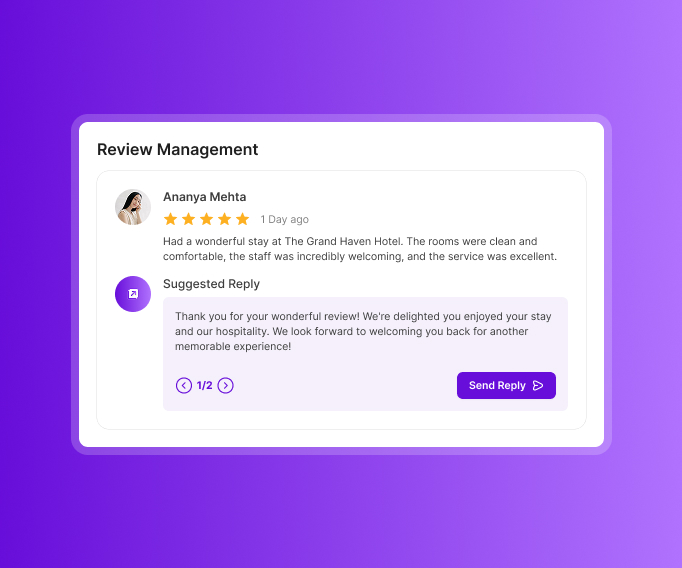
Guests are most likely to share feedback when the experience is still fresh. Revplies makes that moment easier to capture and gives your team a practical way to stay on top of every response.
 Place a QR code at the front desk or on the checkout receipt so guests can leave a spoken review without having to type.
- Let Revplies create an AI-powered reply, or use AI assistance to prepare a response that your team can review and personalize.
- Look beyond individual reviews with sentiment analysis. It can help you identify recurring themes around housekeeping, room cleanliness, staff behavior, check-in delays, breakfast, the pool, and other amenities.
- Use those patterns as a source of real operational feedback. Reviews should not replace good hospitality, but they can show your team where guests consistently see room for improvement.
Profile Optimization
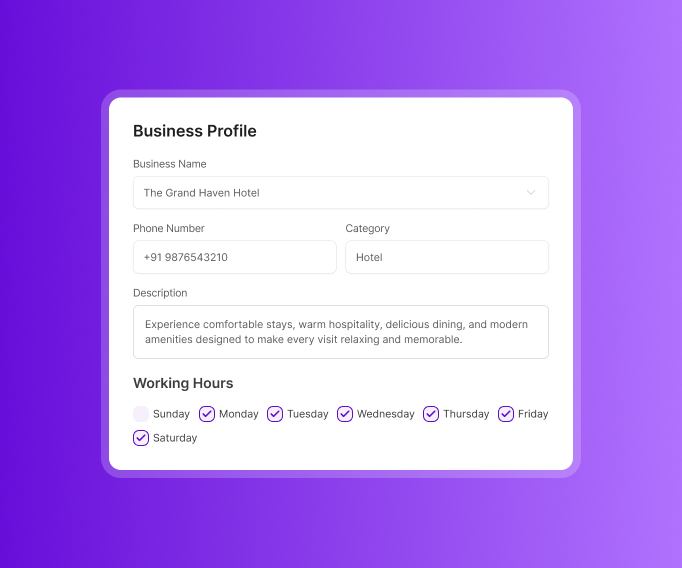
A traveler wants clear answers before making a booking. Your profile should make those answers easy to find and keep them accurate.
- Keep the property name, address, phone number, business description, working hours, and opening date up to date.
- Add useful attributes such as free parking, a pool, pet-friendly rooms, and wheelchair access where applicable.
- List services such as room service and airport pickup, along with amenities such as a spa, gym, or banquet hall.
- Choose the right primary and secondary business categories and review them whenever the property changes.
- Keep everything current so your local SEO reflects the property guests can actually experience today.
Post Management
A property can be busy in the real world and still look inactive online. Regular posts give travelers a reason to see what is new and help your profile feel current.
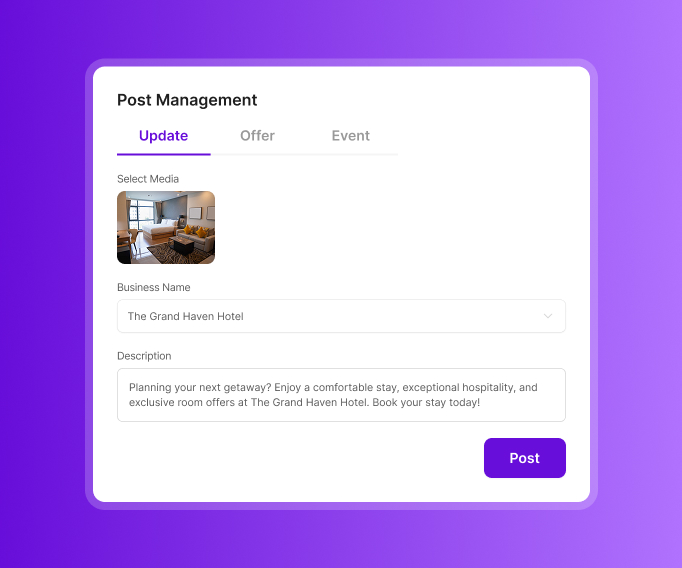
- Use Updates to highlight renovated rooms, new amenities, seasonal packages, guest testimonials, and useful answers to common traveler questions.
- Use Offers for early-bird rates, festive-season discounts, and other promotions.
- Use Events for wedding showcases, New Year's celebrations, and other experiences taking place at the property.
- Keep a steady flow of useful updates so travelers can see that the property is active and the information on the profile is current.
Reports
Good decisions become easier when your team can see what is happening instead of relying on assumptions.
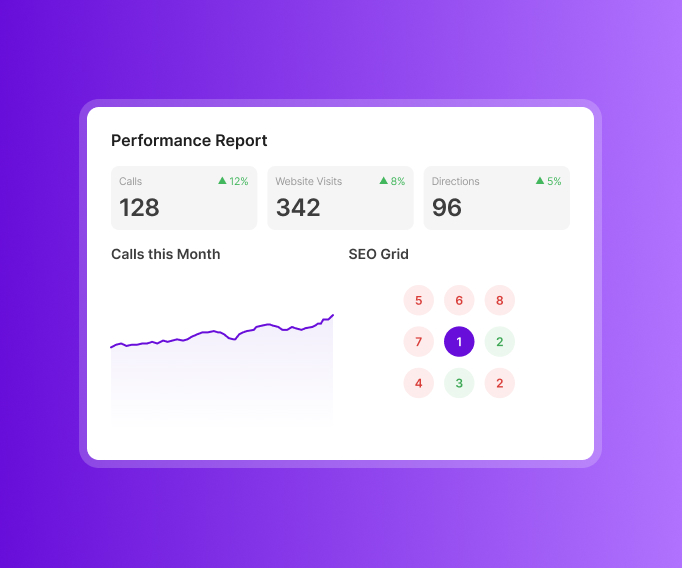
- Track calls, website visits, and direction requests across the date range that matters to you.
- Review trends by star rating and see how guest sentiment changes over time.
- Break sentiment down by areas such as room cleanliness, staff friendliness, food quality, and other attributes that matter to guests.
- Use group reporting when a staff member is mentioned in reviews so related calls, visits, and review data can be viewed together.
- Use competitor analysis to see where each property appears on Google Maps compared with nearby competitors and how that visibility changes across the surrounding area.
Local Website
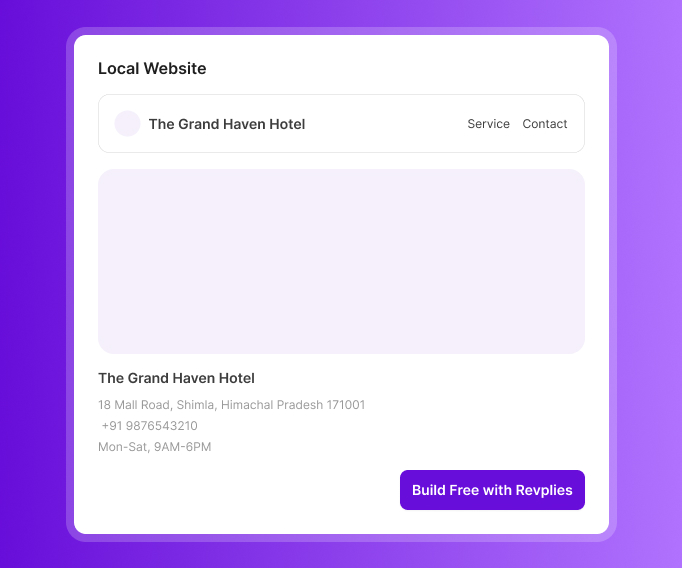
A property without a website misses an important opportunity to give guests more information and strengthen its online presence. Revplies can build one at no extra cost on any plan.
- Include opening hours, a property description, and service details from the beginning.
- Use the website to give travelers another clear place to understand the property before they book.
- Local schema is included, adding structured information that helps search engines better understand the business.
Ready to Grow Your Hospitality Business on Google?
Start 14 Days FREE Trial →No Card Required • Cancel Anytime
How Google Business Profile Management Works for Different Hotels & Hospitality Businesses


Frequently asked Questions (FAQ's)
Why do Booking.com, Expedia, and Google Hotels show different ratings and photos for the same property, and which platform should we optimize first?


All these OTAs platforms use their independent review verification rules, distinct scoring algorithms and separate content management systems and Which platform to optimize first: google is the primary entry point where travelers search for properties by name and location.
Should our bed and breakfast be categorized as a Hotel or Google Vacation Rental, and can it appear in both?
Your bed and breakfast should be categorized as a hotel rather than a Google Vacation Rental, as per the Hotel properties on Google no single property can appear in both systems simultaneously on Google. GVR are strictly meant for self-service properties that lack permanent on-site staff.
We're being targeted by an extortion scam involving fake 1-star reviews and demands for payment. Is this common for hotels?
Yes, review bombing is a common and recurring scam targeting hotels, restaurants and other local businesses. What you can do is report to google by using the official Google Business profile Help to report negative reviews by providing the screenshots, timestamps of the messages demanding payment and extortion.
Does our small inn need a front desk and on-site manager to qualify for Google's "Hotel" category, or should we register as an Inn or B&B?
According to Google Hotel Center Help, your business must accept overnight guests, features a physical front desk and have a manager or owner on-site to qualify as a hotel and your official business name does not determine your category. Hotel names can still be classified as an inn or B&B based on the services.
Google is showing review scores pulled from TrustYou instead of our actual Google reviews. How do we control that?
You cannot directly turn off or manually remove TrustYou review scores from your google business profile. What you can do is go to the google business profile help center then select your business and type Hotel Details and Review Sources into the issue description and then request a manual data refresh or validation.